跳到主要內容
搜尋
搜尋此網誌
思維帕拉斯特
人生的腳印如涉水漣漪 蕩漾而後無痕
分享
取得連結
Facebook
X
Pinterest
以電子郵件傳送
其他應用程式
標籤
程式筆記
維修系列
1月 26, 2026
POP!_OS 24.04工作區指示列(workspace indicator)設定
POP!_OS 24.04 COSMIC 桌面也有內建工作區指示列(workspace indicator)
不用另外安裝gnome程式
開啓Cosmic Setting -> Desktop -> Panel
Configure panel applets
Add apple就可以看到Numered Workspaces啦!加入後可以放到喜歡的位置
留言
熱門文章
8月 03, 2025
MiVue D900行車記錄器倒車顯影安裝紀錄
2月 21, 2018
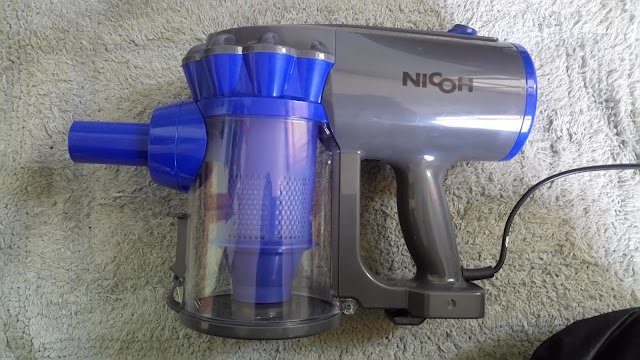
新年吸塵器開箱文 - NICOH-VC-700W 直立/手持兩用吸塵器


留言
張貼留言